
Christmas party games the whole family can play
Dinner is over, presents are open — now what? Open Kvizu on the TV or a laptop and everyone at the table joins with their phone. Grandparents and teenagers play together, and one game takes just 10–20 minutes.
How to set up a game night
- Turn on the big screenOpen kvizu.com in the TV’s browser, or connect a laptop with an HDMI cable.
- Pick a gameStart with something easy, like Most Likely To or Drawing, so everyone gets into it.
- Everyone joins by phoneScan the QR code on the screen — no app and no sign-up needed.
- Play and switch gamesThe room stays open: when one game ends, go straight to the next.
Ideas for the holidays
- Mixed ages? Play Party Battle in teams — kids and grandparents can be on the same side.
- For a calmer evening, try Detectives: everyone solves the case together and argues over the clues.
- Lots of guests? Most Likely To takes up to 20 players.
- Give the winner a prize: an extra slice of cake or the first pick of the presents.
Best for the holidays

Most Likely To
A question appears on the TV – say, “Who is most likely to oversleep on their own wedding day?” – and everyone secretly votes for a friend. Then the votes are revealed.
- 3–20 players
- ~15 min

Party Battle
The group splits into two teams – men vs women, for example – and battles for points over four rounds. Questions show on the TV and on every phone.
- 4–12 players
- ~20 min
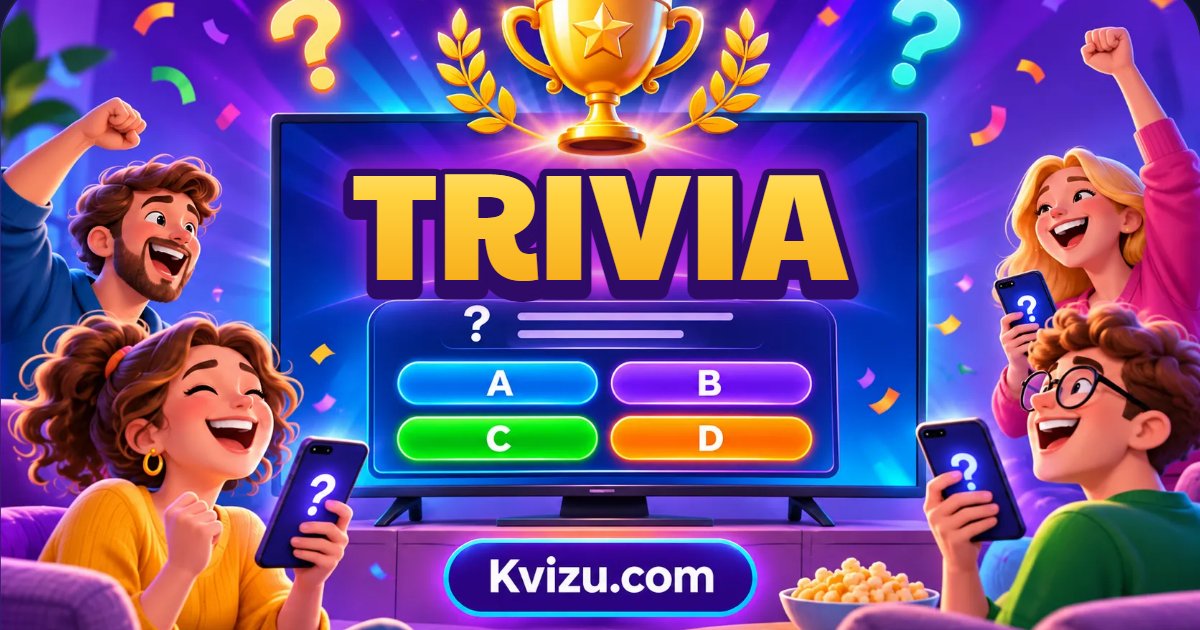
Trivia
The question appears on the TV and everyone answers on their own phone. The faster you answer correctly, the more points you score. After each question the standings show who climbed and who fell.
- 2–8 players
- ~15 min
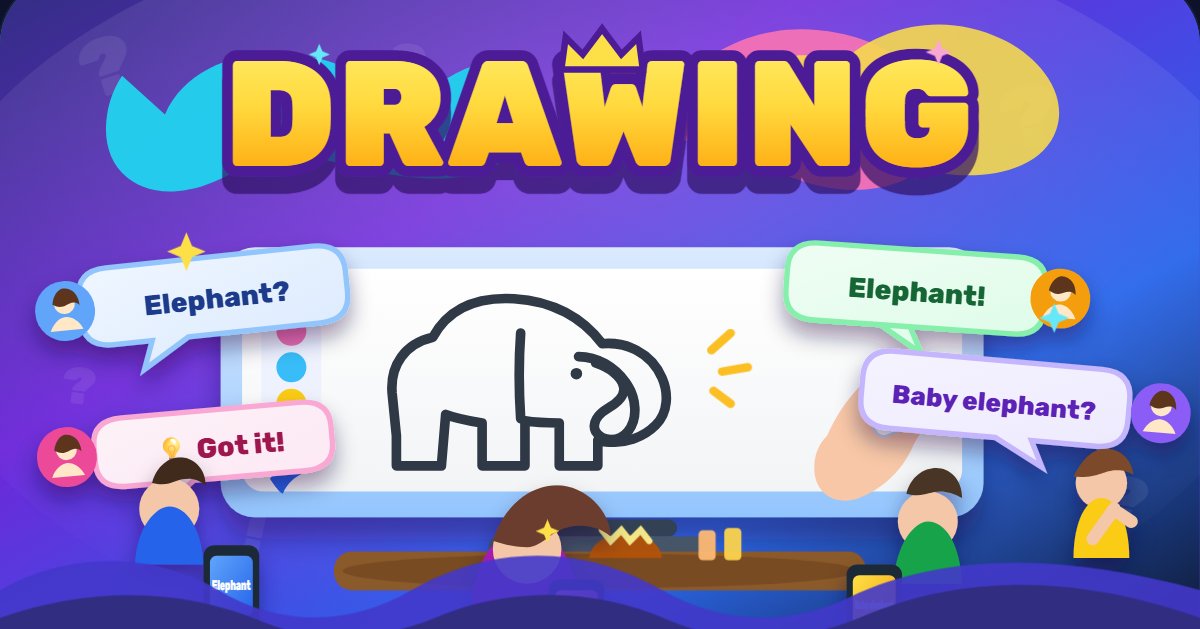
Drawing
The drawer gets a secret word and draws it on their phone or computer, while everyone else watches the drawing live and types guesses. Guess faster, score more.
- 2–12 players
- ~15 min

Memory Champions
For a few seconds everyone sees the same board of cards. Then the cards turn over and each player finds the asked ones on their phone – the faster, the more points. Every round has more cards.
- 1–12 players
- ~10 min

Detectives
The TV becomes the investigation headquarters and every phone a personal detective’s notebook. The whole team wins or loses together.
- 2–8 players
- ~25 min
Yes / No
Every player gets a secret word on their phone. The wheel picks whose word you will guess, and you may only ask questions that can be answered “yes” or “no”.
- 2–10 players
- ~15 min

Golden Button
Every round shows a rule on the TV and gives everyone 10 seconds. Talk it over out loud, make promises – and then each player secretly decides whether to press the big button on their phone. Nobody sees who pressed until the reveal.
- 3–12 players
- ~6 min
FAQ
Is it suitable for the whole family?
Yes. The games are simple and the phone screens are clear, so kids and grandparents can play too. Someone without a phone can team up with the person next to them.
How many people can play?
It depends on the game — from 2 to 20. For a big group, pick Most Likely To (up to 20) or Party Battle (up to 12).
How much does it cost?
Kvizu is free, and there is nothing to install — not on the TV and not on the phones.