
Play together, even from different cities
Kvizu games don’t need everyone in one room. A video call is enough: one player shares the screen with the game, everyone else joins with their own phone and talks over the call – just like around one TV.
How to start
- Start a video callZoom, Discord, Google Meet, Teams or Messenger – any app that can share a screen works.
- The host opens Kvizu on a computerGo to kvizu.com, pick a game and share that browser tab with everyone. Share the tab’s sound too.
- Friends join with their phonesEveryone opens kvizu.com/join on their phone and types the room code from the shared screen – or scans the QR code straight off their monitor.
- Play and talkAnswers and votes go on the phones; clues, bluffs and laughs go over the call.
Tips
- Share just the browser tab, not your whole screen – nobody sees your notifications.
- Turn on gallery view: in bluffing games, faces say more than words.
- Phones send answers straight to the server, so timers stay fair even if the video lags a second.
- On a Discord server the host can use “Go Live” – easy for a whole community to play.
Best for playing remotely

Who Is the Impostor?
Everyone gets a secret word on their phone. It is the same for all but one player, whose word is close but different – and even they don’t know it. Clues, arguments and a secret vote show whether you can find them.
- 3–10 players
- ~10 min
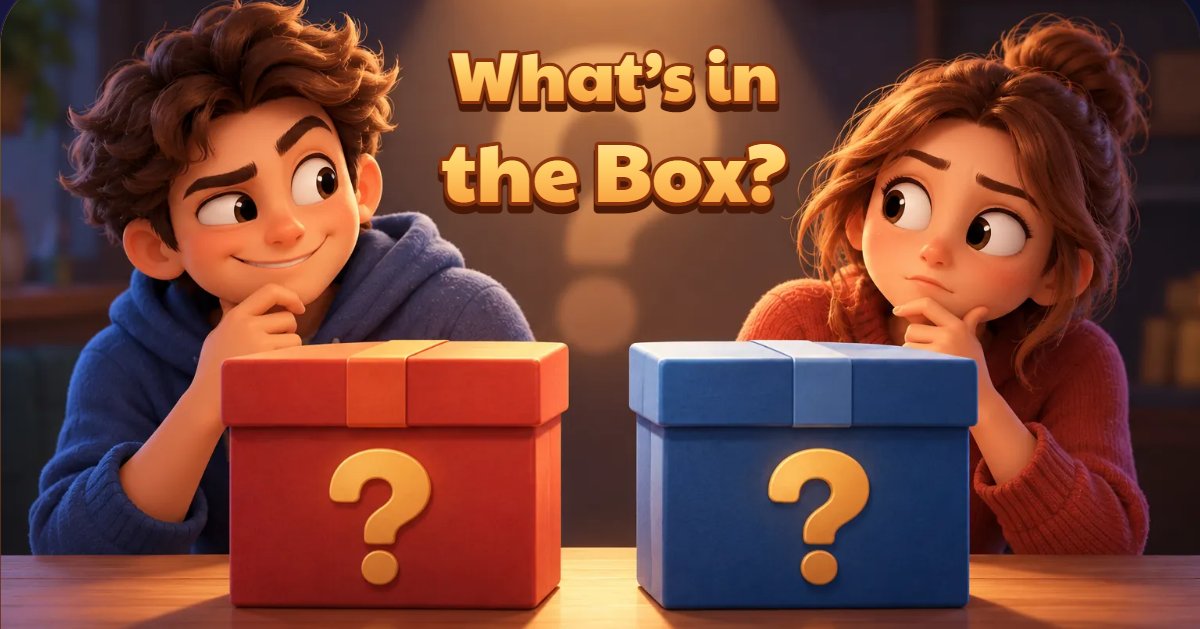
What’s in the Box?
Every duel has two players and two closed boxes. One secretly sees what is in their own box and talks the other into keeping the boxes or swapping them – out loud. Tell the truth, lie or say nothing. Meanwhile everyone else secretly guesses where the prize is.
- 2–10 players
- ~8 min
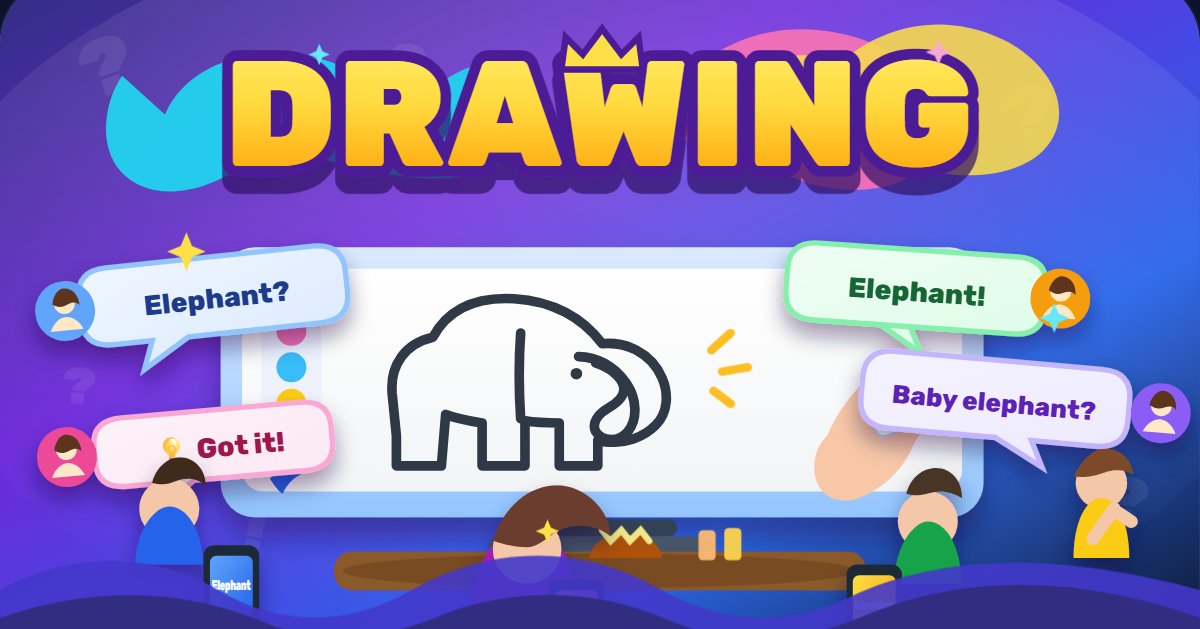
Drawing
The drawer gets a secret word and draws it on their phone or computer, while everyone else watches the drawing live and types guesses. Guess faster, score more.
- 2–12 players
- ~15 min

Most Likely To
A question appears on the TV – say, “Who is most likely to oversleep on their own wedding day?” – and everyone secretly votes for a friend. Then the votes are revealed.
- 3–20 players
- ~15 min

Golden Button
Every round shows a rule on the TV and gives everyone 10 seconds. Talk it over out loud, make promises – and then each player secretly decides whether to press the big button on their phone. Nobody sees who pressed until the reveal.
- 3–12 players
- ~6 min

Detectives
The TV becomes the investigation headquarters and every phone a personal detective’s notebook. The whole team wins or loses together.
- 2–8 players
- ~25 min
FAQ
Does everyone have to be in the same place?
No. One person shares the screen; everyone else just needs to see it in the call and have a phone.
Does video lag get in the way?
Hardly. The shared screen may lag a second or two, but answers from the phones reach the server at once and the timers run on the server.
How much does it cost?
Kvizu games are free, with nothing to install – on the computer or the phones.